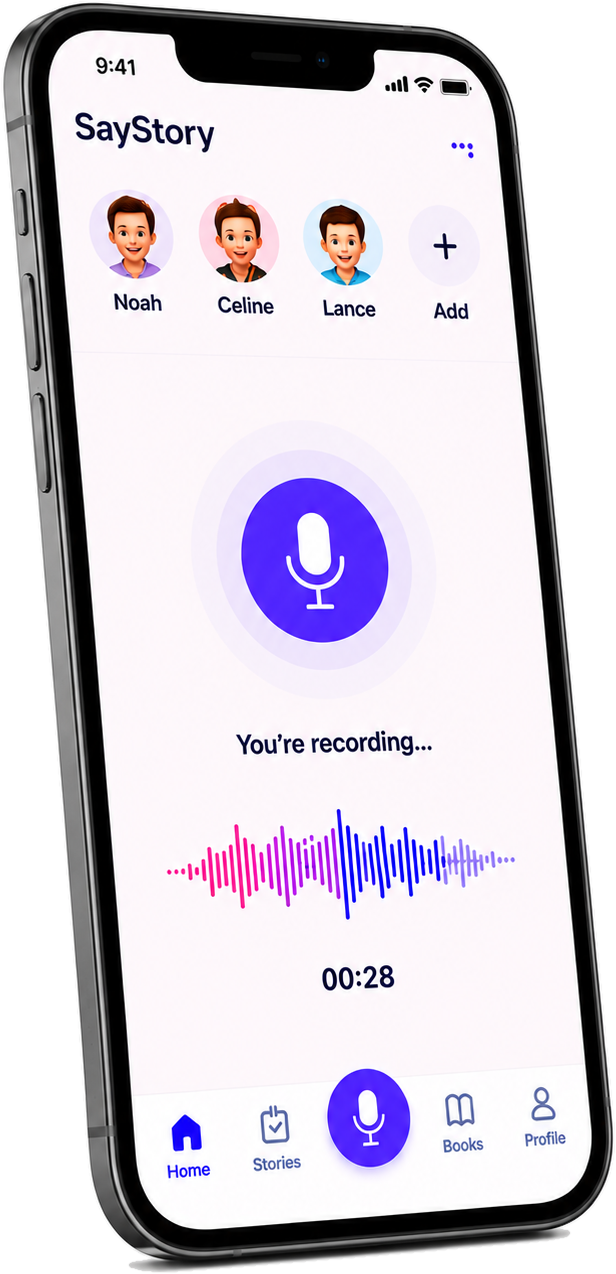



You just talk. SayStory finds the milestones, dates, and children — and turns your memories into a keepsake book.
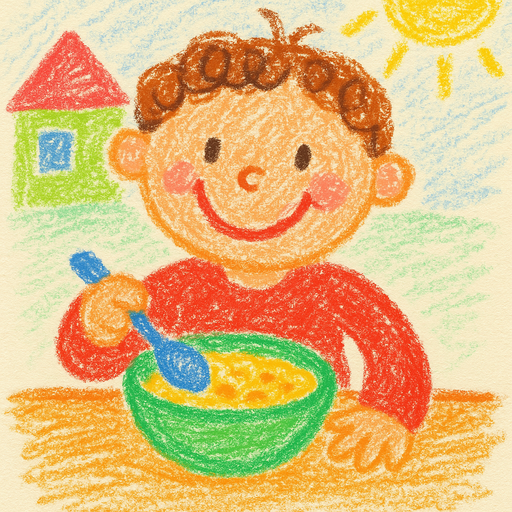
um so today he like… he fed himself the whole bowl today and then, um, grinned and said “all done!” omg 🥹

Grandma
Grandpa
emma_and_mama


Press the mic, say what happened, and watch a messy moment become a real story.


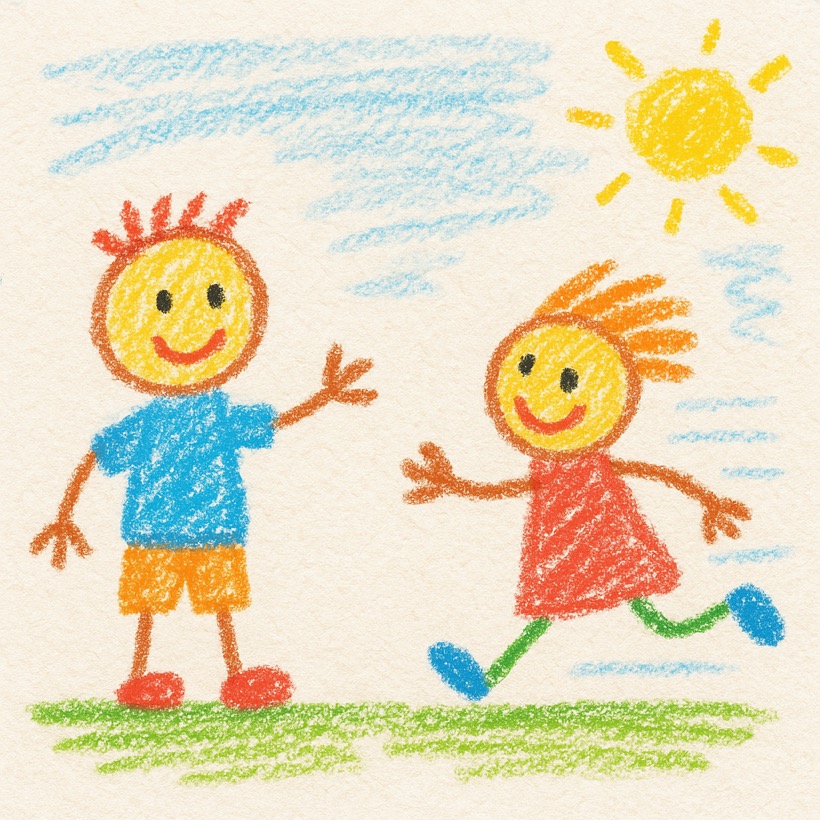
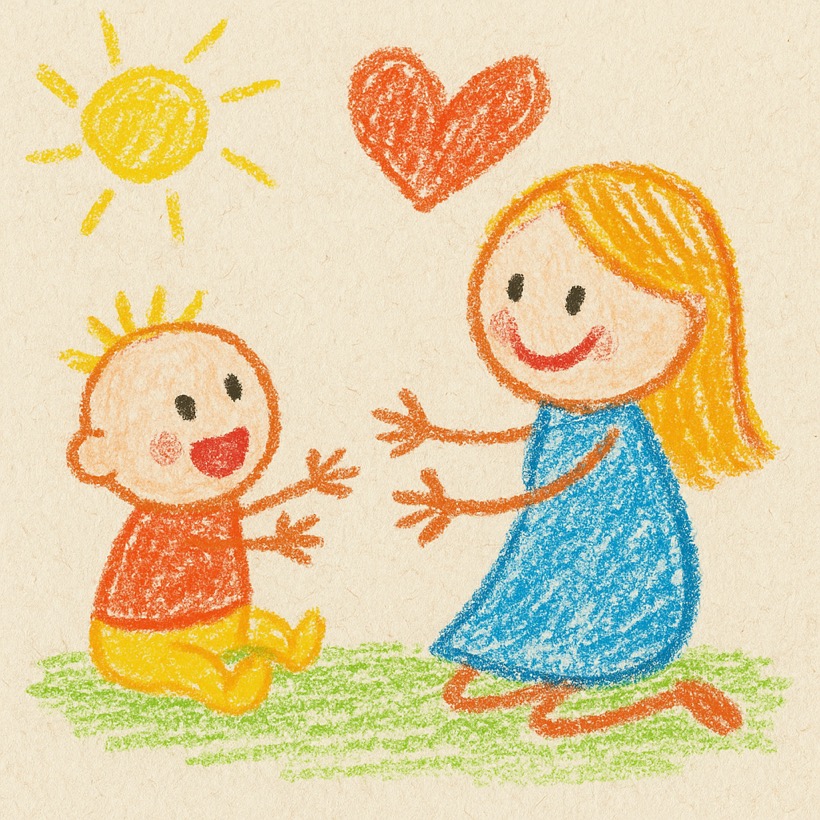
The instant a memory is saved, SayStory paints it — a one-of-a-kind illustration made just for that moment, in a warm, hand-drawn crayon style that feels straight out of a children's book.


First words, first steps, the funny phrases only they say — pulled out and saved on their own.


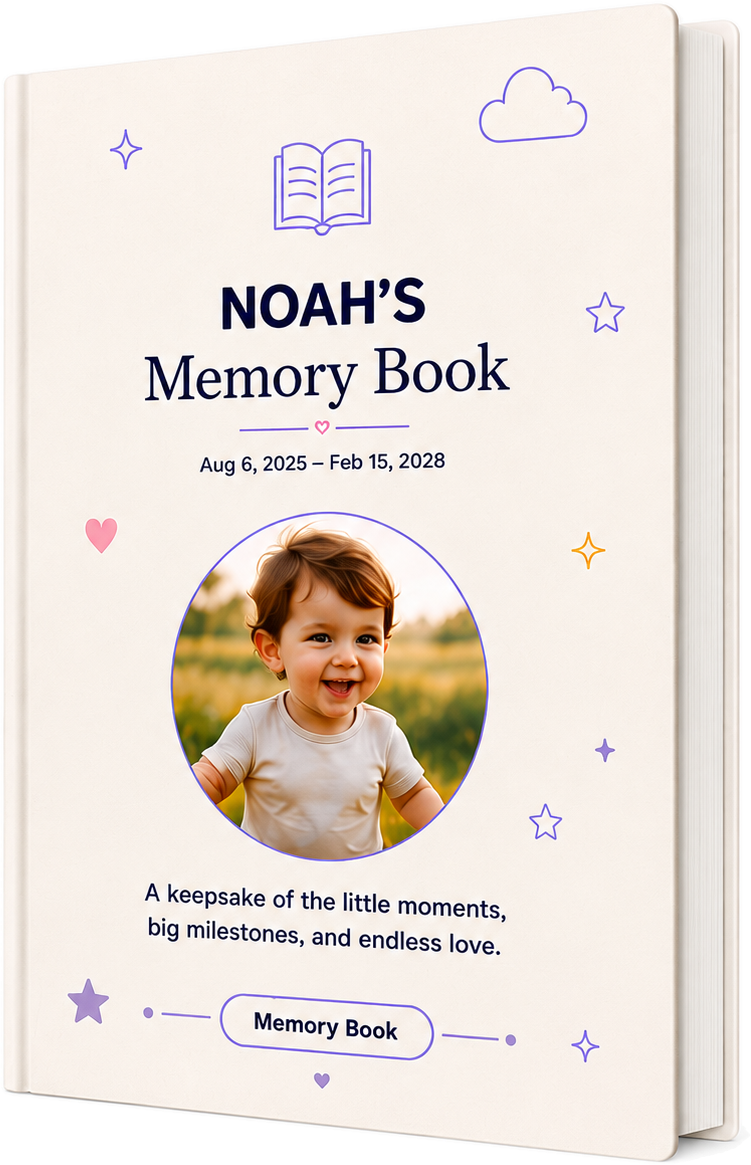
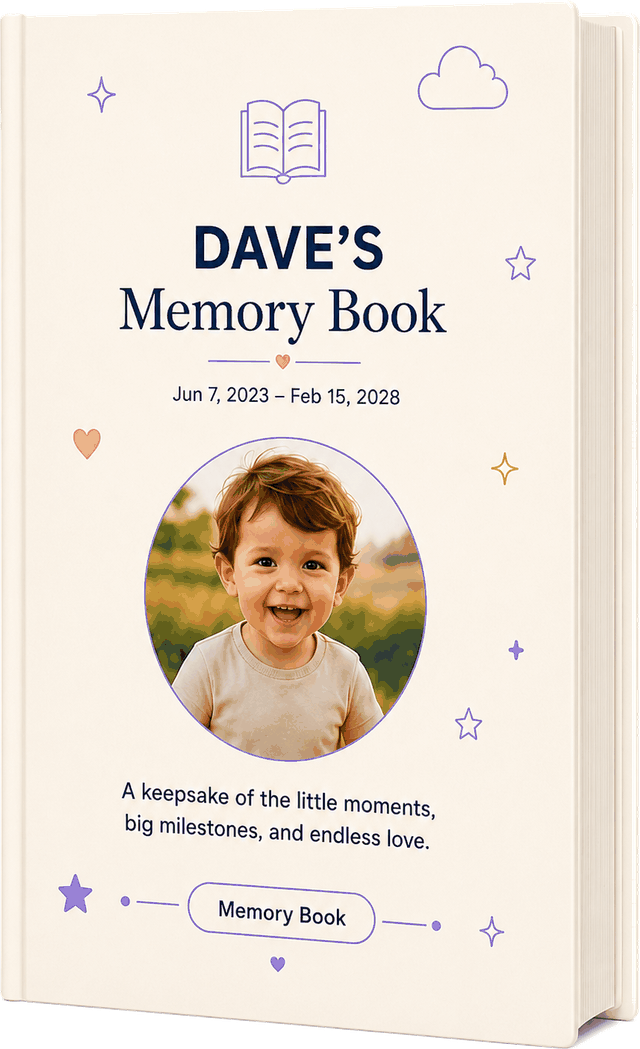
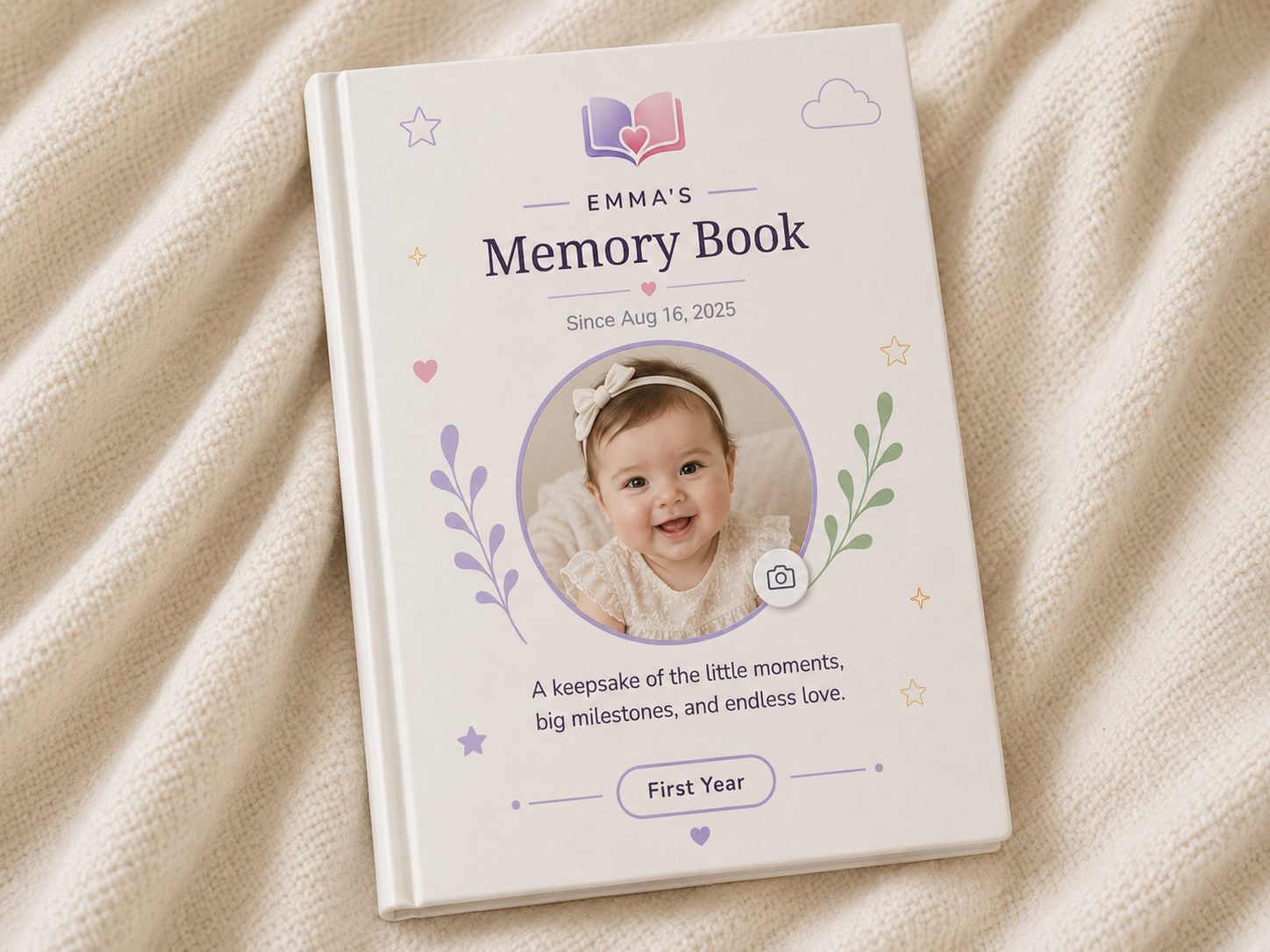
Every story, milestone and phrase — from newborn days to the big-kid years — becomes a real printed book they'll hold one day and feel everything.
We're a small team and we read every message. Anything not working? We'd love to help.
Open the app and tap the purple Mic button in the middle of the bottom bar. Say what happened out loud, then tap it again to stop. SayStory writes it into a story and files it under your child.
Go to the Profile tab → tap Children → Add child → fill in Name, Date of birth, Gender and Place of birth → tap Save.
Go to the Stories tab → tap the + button → choose Milestone or Phrase & word → pick the child → type it in → tap Save.
Go to the Books tab → tap Order Your Book → choose your Cover, Size and Pages → tap Continue to Payment → enter your shipping address and pay. It's printed and delivered to your door.
To delete one memory, open it and tap Delete — it moves to Trash & Restore (Profile tab), where you can bring it back any time. To delete your whole account, go to Profile → Delete Account: your data is removed right away and kept for 30 days in case you change your mind, then it's permanently and forever deleted — we promise. Before then, just ask and we'll send you everything so nothing is lost.
SayStory is $4.99/month with a 14-day free trial, billed through the App Store or Google Play. Cancel any time in your device's subscription settings. When it ends, your memories stay on your account in read-only — you can always keep reading them; you just can't add new ones until you subscribe again.
Yes. Tap the Mic button, then tap Type instead at the bottom. Write the moment and tap Save. (Tap Record voice instead to switch back to talking.)
Open the Stories tab and tap your child's photo at the top. You'll see their stories, milestones, phrases & words, and photos, sorted by age.
Open the story → find Story photo → tap Add photo → choose a picture from your phone.
Open the story, milestone or phrase → tap Edit to change it, or Delete to remove it.
Open the story → tap Share → choose where to send it (messages, email, anywhere on your phone).
Go to the Profile tab → Sharing → Add Person and set their Name, their Channel, and the language they receive memories in. After that, on any story tap Send to my recipients — it's delivered automatically to everyone on your list, each in their own language.
Open the Books tab → tap Share to send the whole book as a PDF, or Print to print it straight from your phone.
Yes — email support@saystory.app and we'll send you a full export of all your stories, photos and recordings, so nothing is ever lost, even if you decide to leave.
Go to the Profile tab → Use AI → toggle it. With it off, your recordings are saved and you can polish them later.
Free to start. Your memories stay on your account — yours to keep, export or delete anytime.
Get SayStory →